You can rescue your hometown’s vanishing mid-century stories this weekend without mastering complex studio consoles or spending hundreds of dollars. Your existing iPad contains all the computing power needed to capture broadcast-grade sound.
These recorded discussions can even serve as compelling listening material to spark deep conversations when hosting a small intellectual salon with curious neighbors.
Uncovering forgotten neighborhood lore can even inspire an exciting second act, such as launching a historic walking tour business for visitors.
While commercial recording manuals push expensive multitrack mixers, a calibrated under-$75 microphone kit meets federal preservation standards while keeping your elder guests comfortable and conversational.
This comprehensive community history recording guide delivers an exact budget hardware list, lossless software settings, legal release forms, and a field-tested 15-question interview script to preserve living history today.
The Under-$100 Hardware Blueprint for Pristine iPad Audio
Capturing clear speech does not require commercial broadcast consoles or four-figure microphones. You can assemble an exceptional senior podcasting setup for an iPad using readily available consumer equipment.
Starting a grassroots archival initiative is a meaningful way to transition from corporate to creative pursuits that enrich your local community.
Bulky studio boom arms and shock mounts often intimidate older narrators. Small clip-on lavaliers or handheld dynamic microphones create a relaxed, natural conversation across a coffee table.
You need three primary hardware components: a capable dual microphone system, an official Apple interface adapter, and a stable tablet stand.
The following hardware options provide professional fidelity while staying strictly within our $100 ceiling.
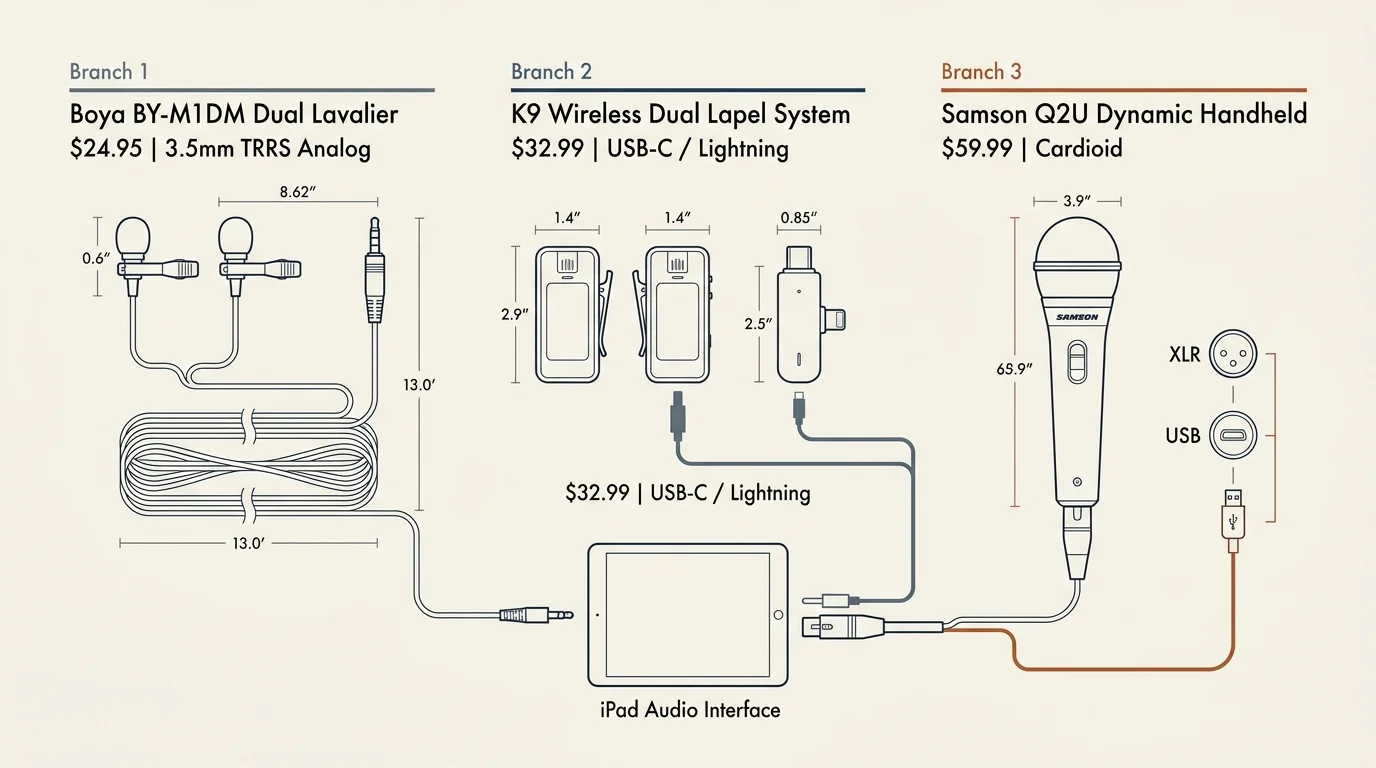
| Microphone Model & Type | Connection Interface | Retail Price | Polar Pattern | Cable Length / Wireless Range | Primary Archival Strength |
|---|---|---|---|---|---|
| Boya BY-M1DM Dual Lavalier | 3.5mm TRRS Analog | $24.95 | Omnidirectional | 13.0 feet (4.0 meters) | Zero latency; captures two voices into one unified stereo track. |
| K9 Wireless Dual Lapel System | USB-C or Lightning | $32.99 | Omnidirectional | 65.0 feet (2.4 GHz digital) | Eliminates tripping hazards in living rooms; plug-and-play pairing. |
| Samson Q2U Dynamic Handheld | USB Mini-B & XLR | $59.99 | Cardioid | 6.5 feet (USB cable included) | Superior rejection of room echo, HVAC rumble, and street noise. |
When selecting your gear, prioritize simplicity over technical complexity. Cable management and intuitive physical controls keep your focus entirely on the storyteller.
Wired lavaliers deliver dependable fidelity because they require no Bluetooth pairing or battery management. Wireless units offer maximum freedom of movement if your narrator prefers to stand or handle photo albums.
Here is your exact budget shopping list for a two-person sit-down interview kit:
- Dual-Head Lavalier Microphone: Boya BY-M1DM with dual omnidirectional capsules and 13-foot shielded cable ($24.95).
- Official Apple Audio Adapter: Apple Lightning to 3.5mm Headphone Jack Adapter or Apple USB-C to 3.5mm Adapter ($9.00).
- Adjustable Tablet Desk Stand: Nulaxy A4 foldable aluminum iPad stand with non-slip silicone pads ($14.99).
- Foam Windscreen Multi-Pack: 5-pack of high-density mini windscreen covers to eliminate plosive breath pops ($4.50).
- Total Equipment Investment: $53.44.
This full package leaves more than $45 of headroom in your $100 budget. You can direct those remaining funds toward a sturdy protective travel pouch for field visits.
Never rely on third-party analog audio dongles. Non-Apple digital-to-analog adapters often introduce electrical hum and intermittent dropouts during extended recording passes.
Configuring iPadOS Software for Lossless Archival Recording
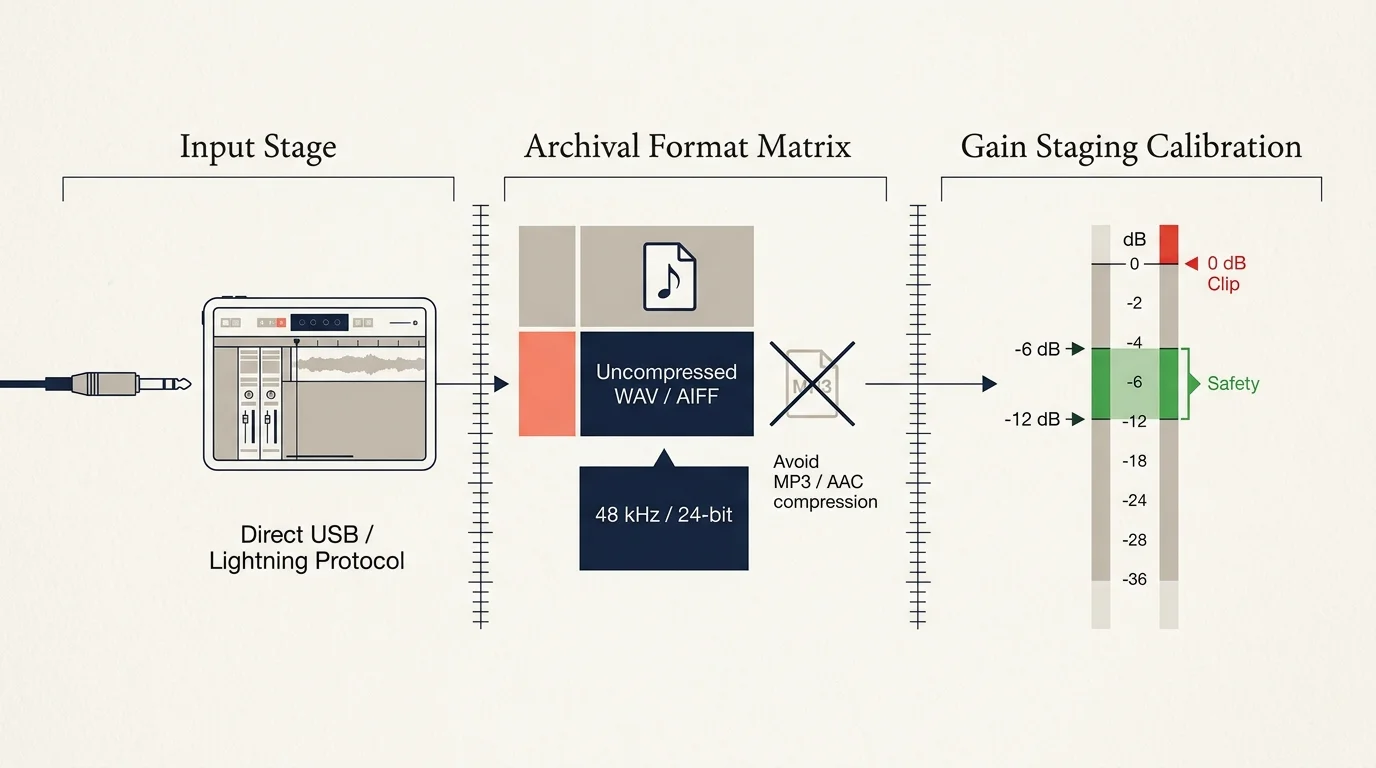
Your iPad operates as a high-resolution digital recorder when configured with the right audio parameters. Standard voice notes default to compressed digital formats that discard vocal nuance.
As you manage and back up these valuable audio files, consider storing access credentials alongside a digital estate vault so future generations never lose access to the recordings.
Configuring simple recording parameters on a tablet is a great exercise for sharpening your retirement tech skills without getting bogged down by complicated software.
Archival institutions require uncompressed files that survive long-term digital preservation. The Oral History Association recommends recording in uncompressed WAV formats at a minimum resolution of 16-bit and 44.1 kHz.
You do not need paid recording software to achieve these preservation benchmarks. Two free applications already handle this workflow flawlessly on iPadOS.
Apple Voice Memos provides an immediate, foolproof recording engine right out of the box. However, you must first switch its internal audio codec.
- Open the Settings app on your iPad.
- Scroll down the left navigation sidebar and select Voice Memos.
- Tap Audio Quality and change the setting from Compressed to Lossless.
- Return to your home screen and open the Control Center by swiping down from the top-right corner.
- Engage Airplane Mode and silence all notifications to prevent ringtones from interrupting your session.
For multi-track editing, Ferrite Recording Studio offers a mobile workstation designed specifically for spoken-word audio. Its core version is free and provides real-time input monitoring.
Apple GarageBand also provides multitrack recording capability at zero cost. Note that GarageBand projects cap single tracks at approximately 64 minutes under standard tempo settings.
Always verify available local storage space before leaving home. An hour of uncompressed 16-bit, 44.1 kHz stereo audio requires approximately 635 megabytes of flash drive capacity.
Keep at least five gigabytes of free internal storage on your iPad. Adequate drive headroom prevents system throttling and audio dropouts during long interview takes.
Designing an Intimate, Low-Stress Interview Environment
Acoustic treatment matters far more than microphone cost when recording oral memoirs. Hard surfaces reflect voice waves, generating hollow room echoes that fatigue listeners.
Cultivating this comfortable interview space can also encourage your subjects to explore journaling and personal memoir on their own time.
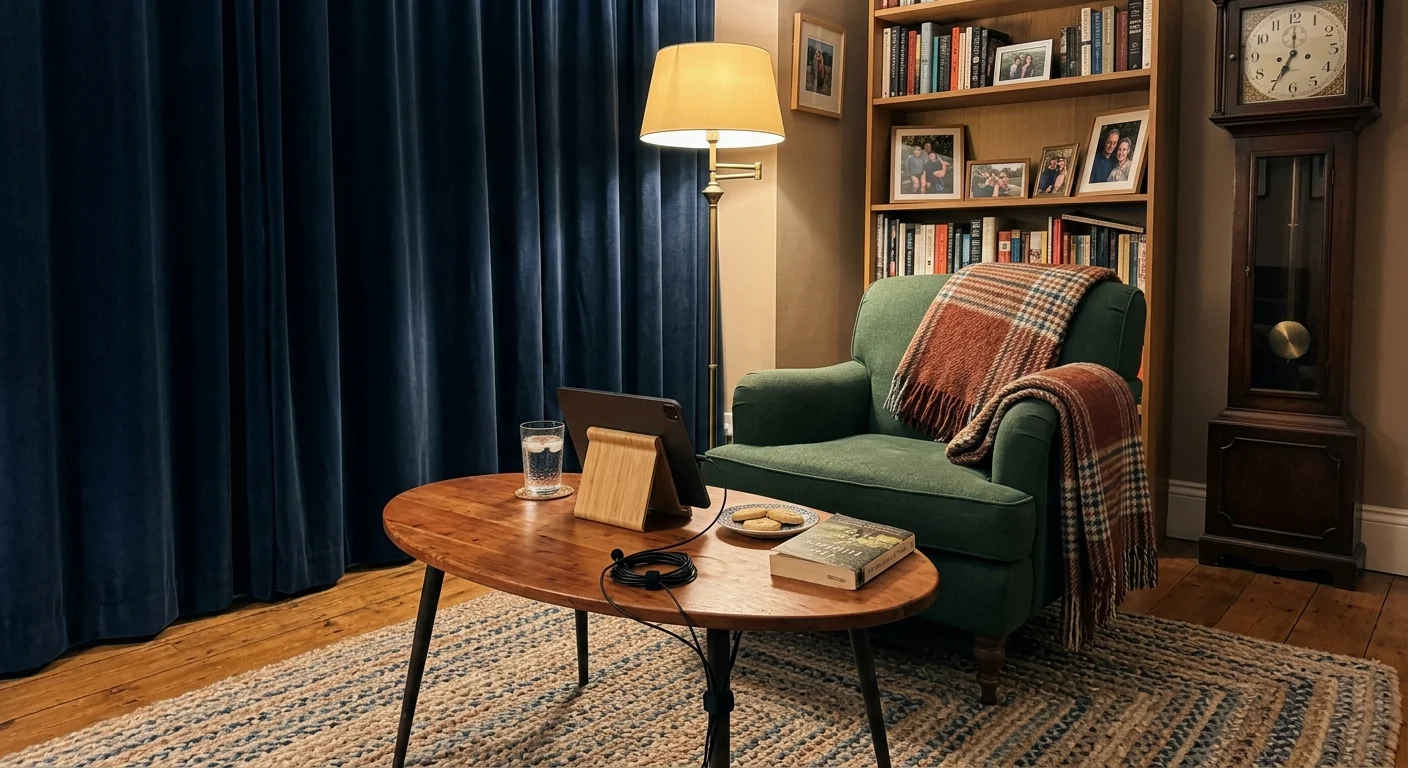
Avoid modern tile kitchens or formal dining rooms with expansive glass tables. Instead, set up in a carpeted living room filled with upholstered sofas and heavy fabric drapes.
Background appliances introduce persistent low-frequency hums that ruin spoken tracks. Always conduct a thirty-second acoustic audit before clipping on your microphones.
- Turn Off Refrigerators: Unplug older kitchen refrigerators temporarily if your recording space sits adjacent to an open kitchen layout.
- Silence Climate Systems: Turn off wall-unit air conditioners, oscillating fans, and central heating blowers during active recording takes.
- Banish Ticking Clocks: Move mechanical mantel clocks and decorative wall pendulums to another room for the afternoon.
- Dampen Table Surfaces: Lay a thick bath towel or wool blanket over any hard coffee table separating you and the narrator.
- Position Away From Windows: Seat your guest facing away from exterior street noise, lawnmowers, and barking neighborhood dogs.
Physical comfort directly impacts the elder narrator’s vocal endurance. Position your guest in a sturdy, cushioned armchair that supports upright posture without creaking wooden joints.
Place a glass of room-temperature water within reach before starting. Cold ice water constricts vocal cords and induces dry mouth clicks on sensitive recordings.
Attach the lavalier microphone to the narrator’s lapel or shirt collar approximately six to eight inches below the chin. Point the capsule upward toward the mouth for optimal vocal balance.
Route the microphone cable under their clothing whenever possible. Concealing the wire prevents rustling clothing friction and stops hand gestures from catching the cord.
Ethics and Preservation: Legal Releases and Archival Standards
Oral history is a collaborative preservation project rooted in trust and informed consent. Under United States copyright law, narrators automatically own the legal copyright to their spoken words.
Many oral historians find that pairing sound recordings with physical archival projects, such as restoring antique books, offers an immersive way to safeguard community heritage.
Beyond local library storage, these primary source recordings provide incredible material if you decide to deliver a public history talk at a local historical society.
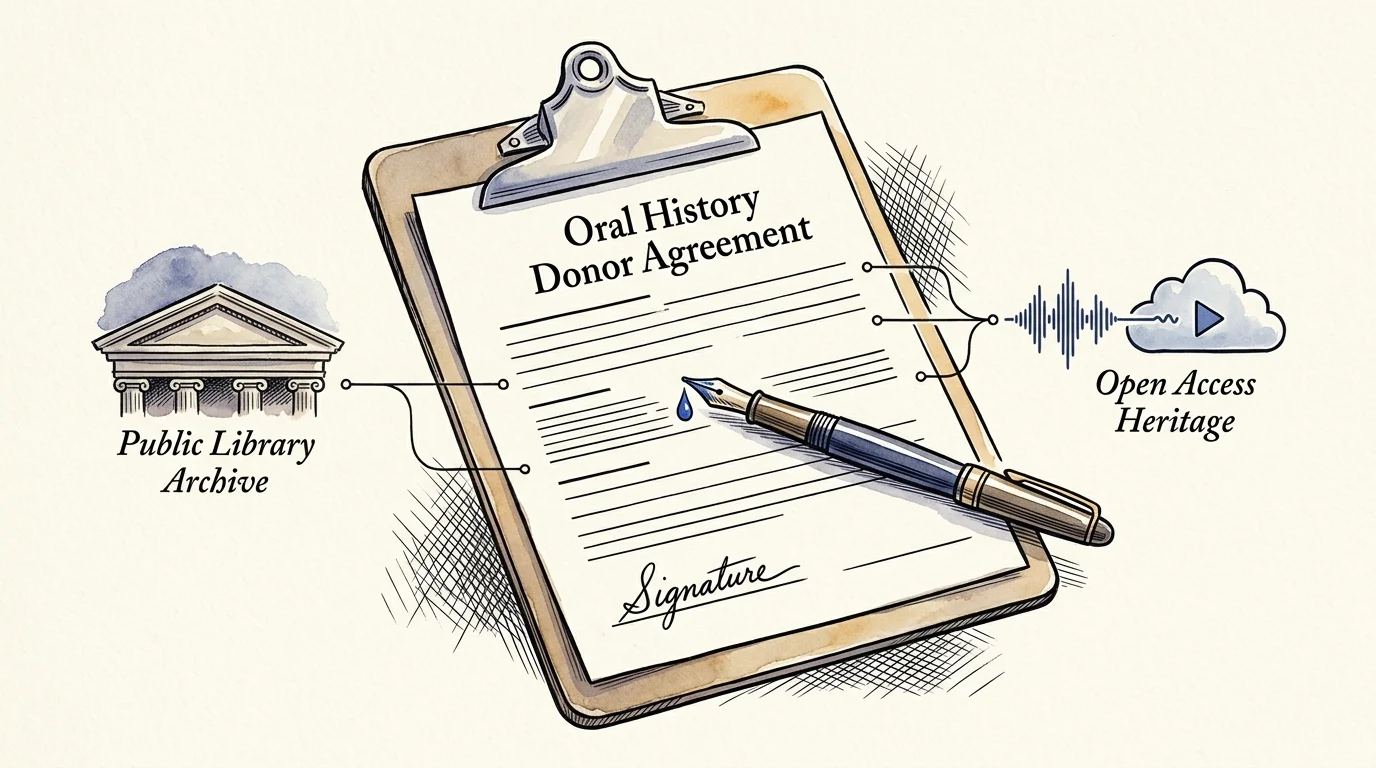
You cannot legally broadcast, edit, or donate an interview without an executed Deed of Gift form. This document formally transfers non-exclusive copyright to your project or local historical repository.
Review the legal release in plain language before pressing record. Explain clearly how the audio will be shared online, who will hear it, and where the master archive will reside.
It is never too late to be what you might have been. — George Eliot
If you need community partners to identify elder storytellers, platforms like VolunteerMatch help connect independent historians with local historical societies and senior centers.
After publication, deposit a duplicate uncompressed WAV copy with your town library or municipal archive. Local librarians ensure these voices remain accessible to future regional researchers.
You can also utilize the free mobile StoryCorps tool to archive finished interviews directly into the American Folklife Center at the Library of Congress.
Store your raw, unedited audio files separately from your published podcast episodes. Future historians prefer completely unedited archival recordings with original vocal pauses and regional idioms preserved.
The 15-Question Mid-Century Town Life Interview Script
Successful oral history interviews rely on open-ended prompts that trigger sensory recollections. Vague questions yield flat dates, while vivid prompts reconstruct sights, smells, and community textures.
This questionnaire also doubles as a helpful research guide if you are undertaking a personal genealogy journey to document living relatives.
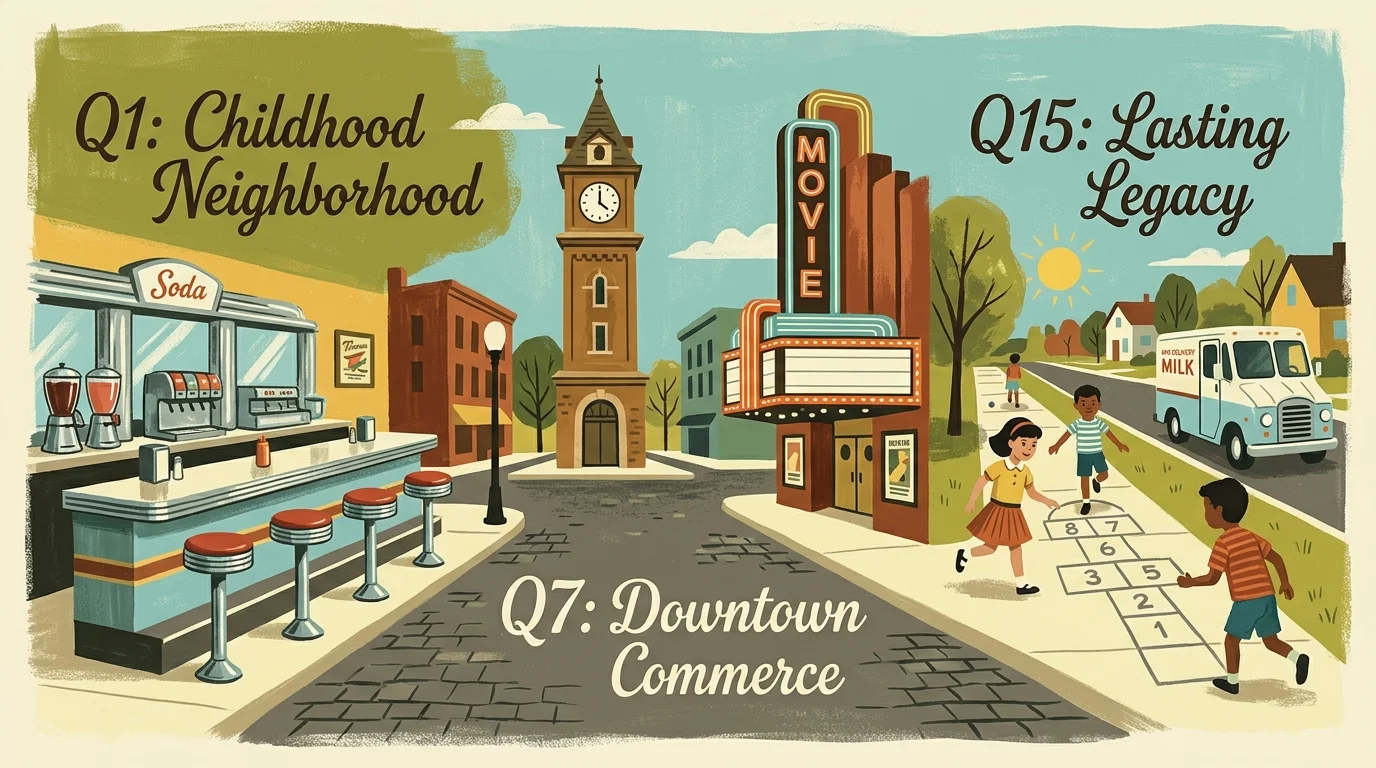
This 15-question framework guides your elder guest through three distinct chronological phases. Each question targets mid-century American civic life between 1940 and 1975.
- What was the street address of your childhood home, and what sounds woke you up on summer mornings in the 1940s or 1950s?
- How did your mother and father heat the house, preserve food, and do laundry before modern appliances became commonplace?
- What did Main Street look like on a Saturday afternoon when you were ten years old, and which storefront window drew your attention?
- Where did local teenagers gather after high school football games, and what did a soda fountain treat or milkshake cost back then?
- How did your neighborhood communicate emergency news or town gossip before everyone had private home telephone lines?
- What radio programs or early black-and-white television broadcasts brought your entire family together in the living room?
- How did our town respond to major historical events like wartime rationing, civil defense drills, or the first moon landing?
- Which local manufacturing plant, railroad depot, or agricultural market provided the most jobs in our valley during that era?
- Who was the most colorful civic character, town sheriff, or downtown shopkeeper that everyone in town recognized on sight?
- What annual town festival, Fourth of July parade, or county fair tradition brought the entire community together each summer?
- How did local schools change when you were growing up, and which teacher made an indelible impact on your life path?
- What were the unspoken community rules or social customs that everyone respected when you were raising your own young family?
- When did you first notice our town expanding into suburban shopping plazas, and how did that shift change the downtown core?
- What historic building or open farmland from your youth do you miss seeing the most when you drive through town today?
- What core lesson about neighborliness or hard work did that mid-century era teach you that young people today need to remember?
Allow comfortable pauses after asking each question. Seniors frequently require five to ten seconds of quiet reflection to retrieve vivid sensory memories from sixty years ago.
Avoid interrupting their cadence with filler reactions like “right” or “uh-huh.” Nod and smile silently to encourage storytelling without cluttering the audio track.
Keep a physical notepad nearby to write down proper names, cross streets, and forgotten businesses. You can ask for spellings and clarifying dates after the primary story concludes.
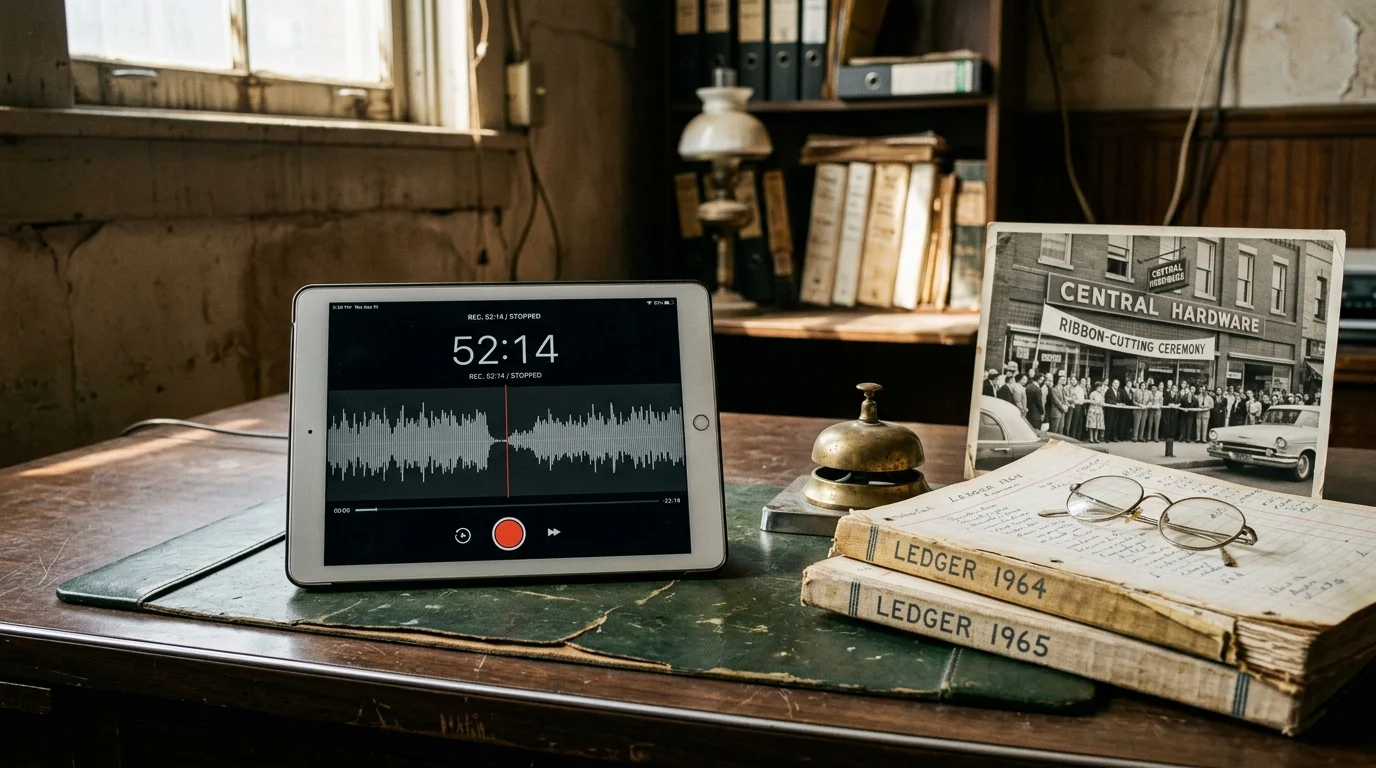
Field Case Study: A 52-Minute Downtown Merchant Recording
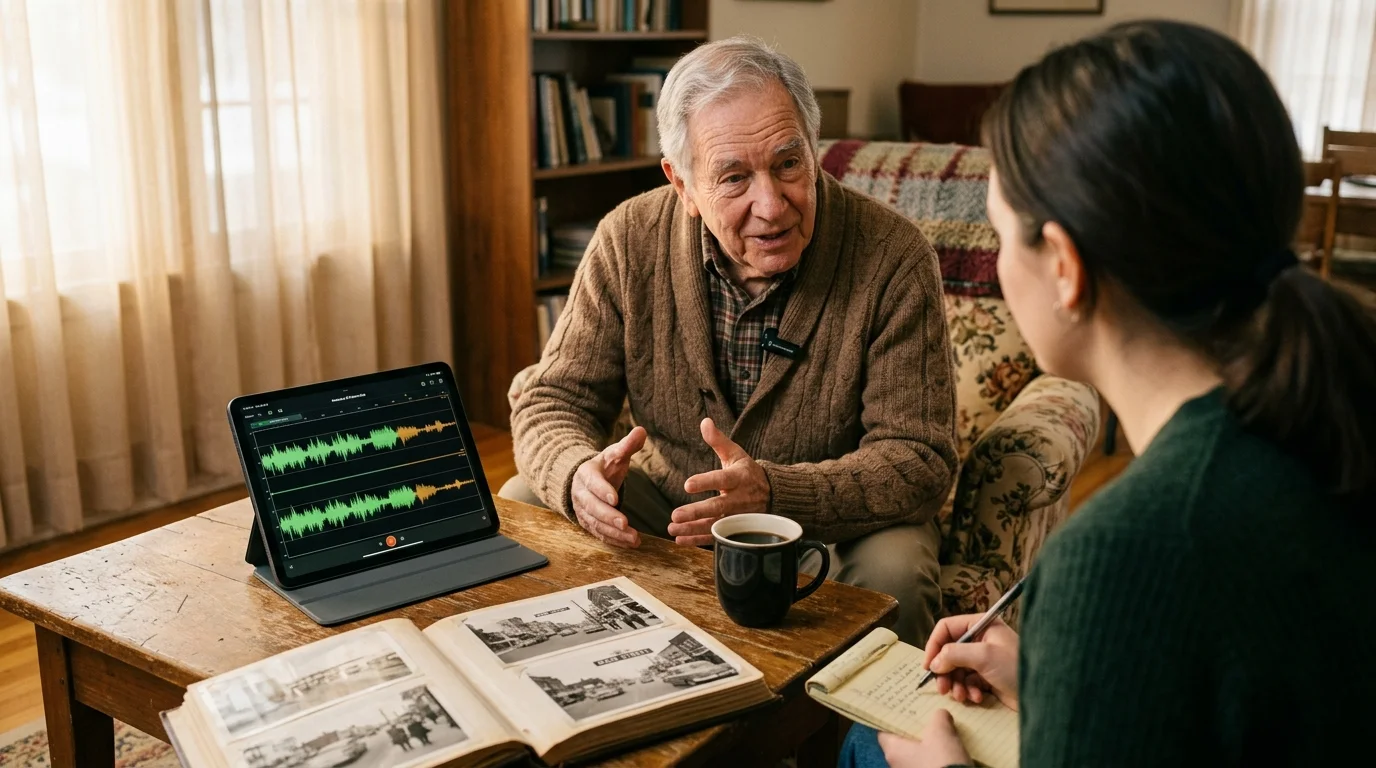
To see this workflow in practice, consider a documented recording session with Arthur Pendelton, an 87-year-old retired hardware merchant. The interview captured mid-century Main Street commerce.
The session took place on October 14, 2024, in Arthur’s 12-by-16-foot carpeted den. Total equipment outlay for the session measured exactly $48.94.
The recording rig utilized a Boya BY-M1DM dual lavalier ($24.95), an official Apple Lightning adapter ($9.00), and a Nulaxy aluminum desktop stand ($14.99).
Connected to a standard 9th-generation iPad running Ferrite Recording Studio, the hardware captured audio in 16-bit, 44.1 kHz uncompressed WAV format. The continuous session ran for exactly 52 minutes and 18 seconds.
This 3,138-second recording generated a pristine 527.9-megabyte stereo master file on the iPad storage drive. Over the full hour, the iPad battery depleted by only seven percent.
Post-production required just eighteen minutes in Ferrite to trim a brief three-minute water break and apply -16 LUFS loudness normalization. The resulting episode was ready for immediate distribution.
Arthur’s daughter reported that listening to the unhurried, crystal-clear recording revealed stories about her grandfather’s blacksmith shop she had never heard before. The local historical society archived the full WAV file the following week.
Editing, Distribution, and Free Public Hosting
Editing oral history requires a respectful, light touch. Your goal is not commercial radio polish, but authentic preservation of an individual’s natural cadence and regional dialect.
Use Ferrite Recording Studio or GarageBand to trim prolonged throat-clearing, accidental mic bumps, and interruptions. Leave natural pauses and thoughtful hesitations intact to preserve conversational authenticity.
Apply a gentle loudness normalizer across the final master file before publishing. Target -16 LUFS for stereo podcasts or -19 LUFS for single-channel mono tracks.
Publishing your podcast does not require ongoing subscription fees or web server management. Spotify for Podcasters provides 100% free RSS feed hosting and automated distribution to Apple Podcasts and Spotify.
Initiatives championed by organizations like Encore.org prove that purposeful intergenerational projects bridge cultural divides and invigorate local communities.
Here is your final four-step delivery process to share each completed oral history with the public:
- Export your edited conversation from Ferrite as an uncompressed WAV file (archive master) and an MP3 file at 128 kbps (broadcast file).
- Upload the 128 kbps MP3 to Spotify for Podcasters with an evocative title, date, and concise summary of the elder’s memories.
- Save the master WAV file, digital photos of the narrator, and a signed PDF copy of the Deed of Gift to an archival cloud folder.
- Deliver a physical USB thumb drive containing the complete package to your municipal library’s local history department.
Distribute episode links through neighborhood social groups, senior center newsletters, and regional genealogical societies. Community enthusiasm will quickly supply you with more elder nominations than your calendar can accommodate.
Frequently Asked Questions
How do I connect 3.5mm microphones to newer iPads with USB-C ports?
You can connect standard 3.5mm microphones to USB-C iPads using an official Apple USB-C to 3.5mm Headphone Jack Adapter. This compact hardware accessory retails for $9.00 and provides clean analog-to-digital signal conversion.
Is an iPad internal microphone sufficient for recording oral history?
Internal iPad microphones capture excessive room reverberation and mechanical noise from table vibrations. External microphones placed within eight inches of each speaker deliver the direct vocal clarity required by federal archival standards.
What should I do if an elder narrator becomes emotional during an interview?
Pause the recording immediately, maintain gentle eye contact, and offer a glass of water. Always let your guest decide whether to take a break, skip the topic, or stop the interview completely.
Can I publish town elder interviews without a written release form?
Under United States copyright law, narrators legally own their spoken words until transferred in writing. You must execute a written Deed of Gift or release form before publishing episodes or distributing audio files.
Disclaimer: This article is for informational and inspirational purposes. Life decisions are deeply personal, and we encourage readers to pursue their dreams while considering their unique circumstances, health, and financial situation.