
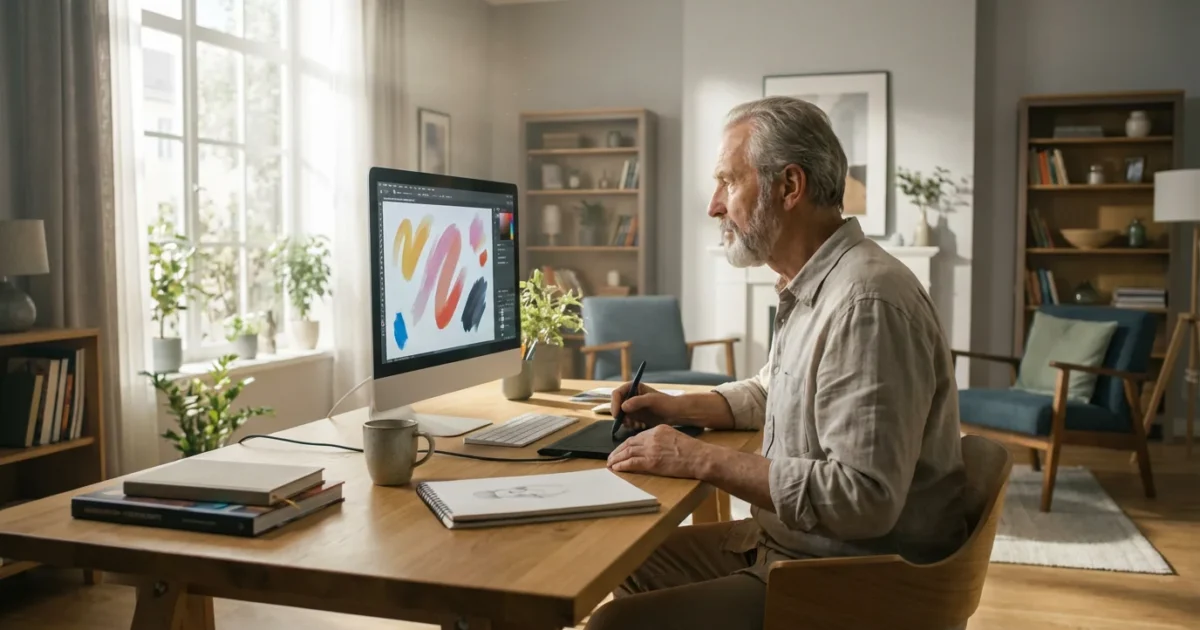
Retirement unfolds as a magnificent canvas, offering abundant space to redefine yourself and pursue long-held dreams or discover entirely new passions. For many, this era marks a powerful return to creativity, a chance to explore the artistic spirit that perhaps lay dormant during years of career and family responsibilities. Imagine transforming your computer into an art studio, where colors burst to life with a click and textures emerge with a stroke of a digital brush. This is the vibrant world of digital art, and it welcomes you with open arms.
This journey into digital artistry is not about slowing down. It is about accelerating your creative growth, embracing new technologies, and proving that your most innovative years are right now. Digital art provides an accessible, endlessly exciting path for self-expression, regardless of your past artistic experience. You hold the power to craft stunning visuals, tell compelling stories, and leave your unique mark on the digital realm.
Unleash Your Inner Artist: Why Digital Art Now?
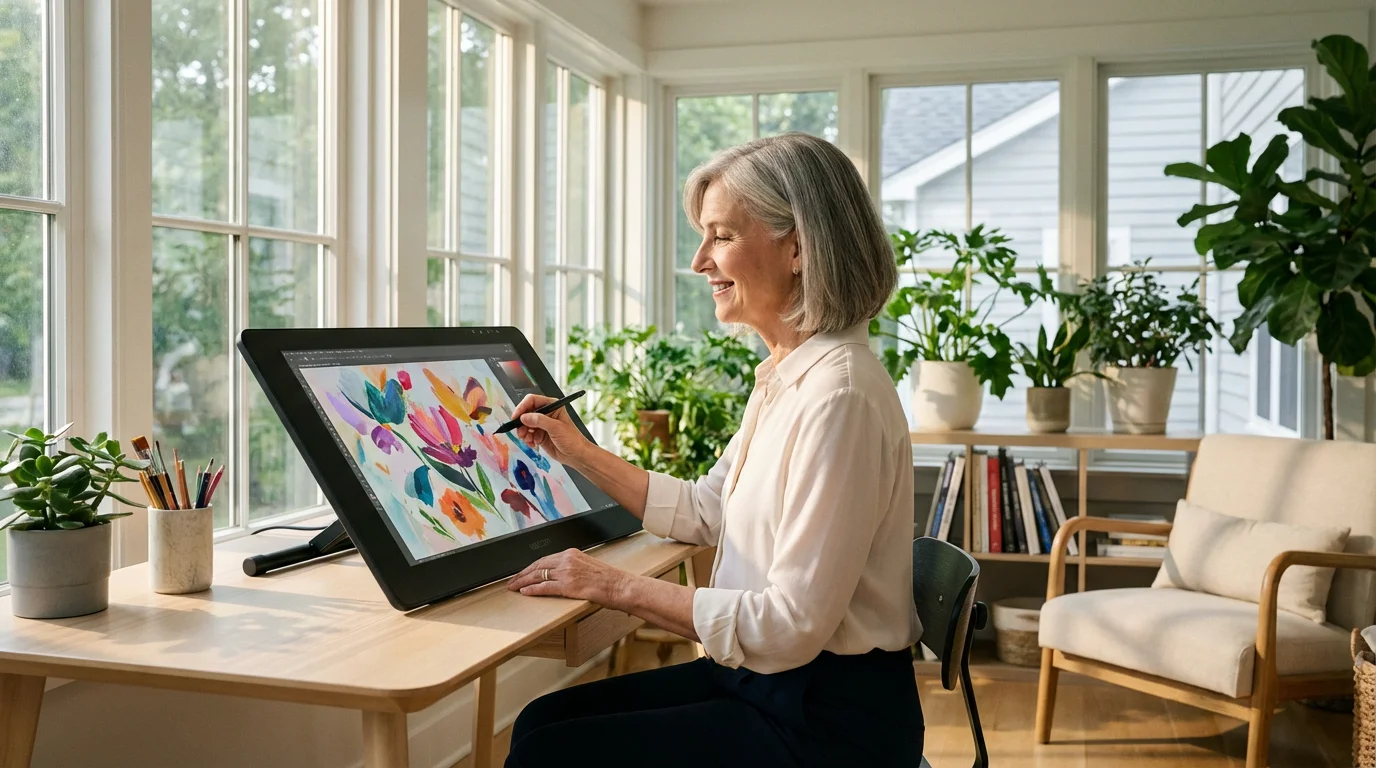
Retirement grants you the precious gift of time, a resource often scarce in earlier life stages. This newfound freedom provides the perfect environment to cultivate your creative side. Digital art offers a unique blend of accessibility and boundless potential, making it an ideal pursuit for anyone seeking vibrant engagement.
While you are busy sketching on your tablet, you might also find peace by gardening for the soul to connect with nature and your own growth.
Finding ways to keep your hands and mind busy is key to crafting a fulfilling retirement through diverse and engaging projects.
Embracing digital art means stepping into a world where mistakes are easily undone, supplies are limitless, and your canvas expands to whatever size you desire. You avoid the mess and expense associated with traditional mediums, allowing you to focus purely on the joy of creation. Many seasoned individuals find immense satisfaction in mastering a new skill, and digital art presents an exciting challenge that sharpens your mind and ignites your imagination.
It is never too late to be what you might have been. — George Eliot
This creative endeavor offers significant benefits beyond the beautiful artwork you produce. Engaging in creative activities, like making senior art, supports cognitive health and emotional well-being. Studies have shown that artistic expression can reduce stress, improve mood, and even enhance problem-solving skills, keeping your brain sharp and agile. You are not just making art, you are nurturing your overall vitality.
Consider the expansive community of digital artists waiting to share tips, inspiration, and encouragement. Learning a new craft connects you with like-minded individuals, fostering new friendships and a sense of belonging. Your retirement can be a period of exhilarating discovery and continued growth, with digital art as a powerful catalyst.

Demystifying Digital Art: It’s Easier Than You Think
Many people hesitate to explore digital art, imagining it requires complex technical prowess or years of computer experience. You might think it is too complicated, but the reality is much more approachable. Digital art essentially translates traditional artistic techniques—drawing, painting, sculpting—into a digital format.
You can even use your new skills to enhance a genealogy journey by restoring or creatively illustrating your family’s history.
Think of it as simply using a different set of brushes and colors, all housed within your computer or tablet. Modern digital art programs are designed with user-friendliness in mind, offering intuitive interfaces that even beginners can navigate quickly. They provide tools that mimic real-world art supplies, making the transition surprisingly smooth.
The beauty of digital platforms lies in their forgiveness. You can experiment freely, knowing that a single click can erase a line, change a color, or undo an entire sequence of actions. This removes the pressure often associated with traditional mediums, empowering you to take risks and explore without fear of “ruining” your work. You are free to play, innovate, and find your unique digital voice.
The learning curve for what digital art programs are easy to learn is far gentler than you might expect. Many programs offer guided tutorials and vast online communities eager to assist new artists. Your curiosity and willingness to experiment are your most valuable assets in this exciting new venture.
Essential Tools for Your Digital Canvas
Starting your digital art journey requires understanding the basic tools. You do not need to invest in professional-grade equipment right away. Begin with what you have or choose entry-level options that allow you to explore the medium comfortably.
While digital tools offer a modern approach, many seniors also enjoy the tactile satisfaction found in traditional crafts like knitting and crochet in retirement.
Hardware: Your Digital Studio
- Computers: Your existing desktop or laptop likely possesses sufficient power to run many digital art programs. Ensure it has enough RAM for smooth operation, generally 8GB or more.
- Tablets with Stylus: For a more intuitive, pen-on-paper feel, a tablet computer paired with a pressure-sensitive stylus is invaluable.
- iPad Art: Apple iPads, especially those compatible with the Apple Pencil, are incredibly popular among digital artists for their responsiveness and vast app ecosystem.
- Android Tablets: Many Android tablets also offer excellent stylus support and a wide range of creative applications, often at a more accessible price point.
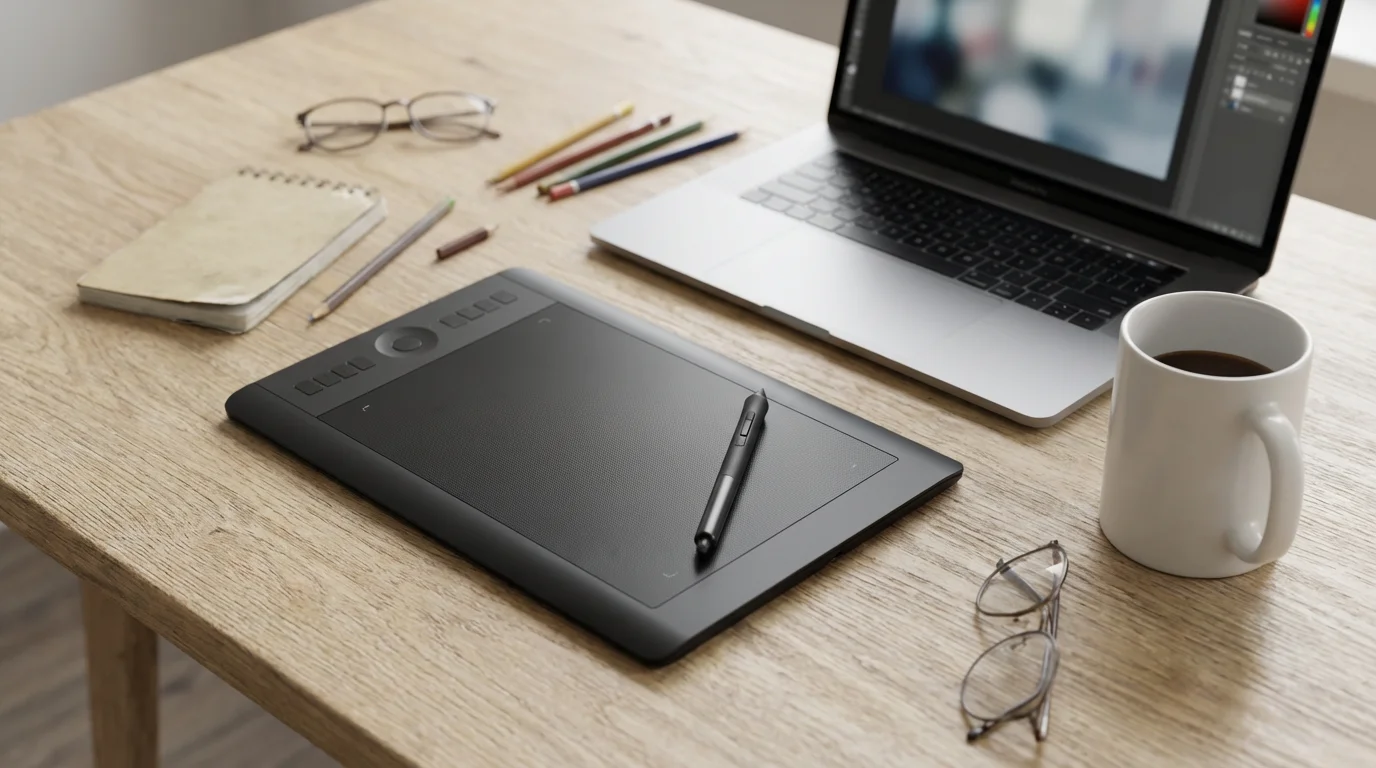
- Graphics Tablets: These are specialized input devices that connect to your computer. They feature a flat surface you draw on with a stylus, and your strokes appear on your computer screen.
- Wacom Intuos/One by Wacom: These are excellent beginner graphics tablets, offering natural drawing experiences without breaking the bank.
- Huion/XP-Pen: These brands provide competitive alternatives with various models suitable for different budgets and skill levels.
Software: Your Digital Brushes and Paints
The right software transforms your hardware into a powerful artistic tool. Focus on what digital art programs are easy to learn and offer a good balance of features and accessibility.
- Procreate (iPad only): A top choice for iPad art enthusiasts. It is incredibly powerful, intuitive, and offers a vast array of brushes and features at a one-time purchase price.
- Autodesk Sketchbook (Free): Available across various platforms (desktop, iOS, Android), Sketchbook boasts a clean interface and excellent drawing tools, perfect for sketching and ink work.
- Krita (Free, Open Source): A robust, full-featured painting program ideal for both drawing and painting. Krita offers professional tools without any cost, making it perfect for those exploring how to create digital art on a budget.
- Corel Painter Essentials: A streamlined version of the professional Corel Painter, this program focuses on natural media brushes and painting effects, offering a great starting point for digital painting.
- Affinity Photo/Designer: These programs offer powerful features comparable to industry standards like Photoshop or Illustrator, but with a more affordable, one-time purchase model. They provide excellent tools for photo manipulation and vector graphics.
You have a wide array of choices, so pick a combination that feels comfortable and aligns with your budget. Remember, the best tool is the one you feel most comfortable using to express your creativity.
Creating Digital Art on a Budget: Smart Choices
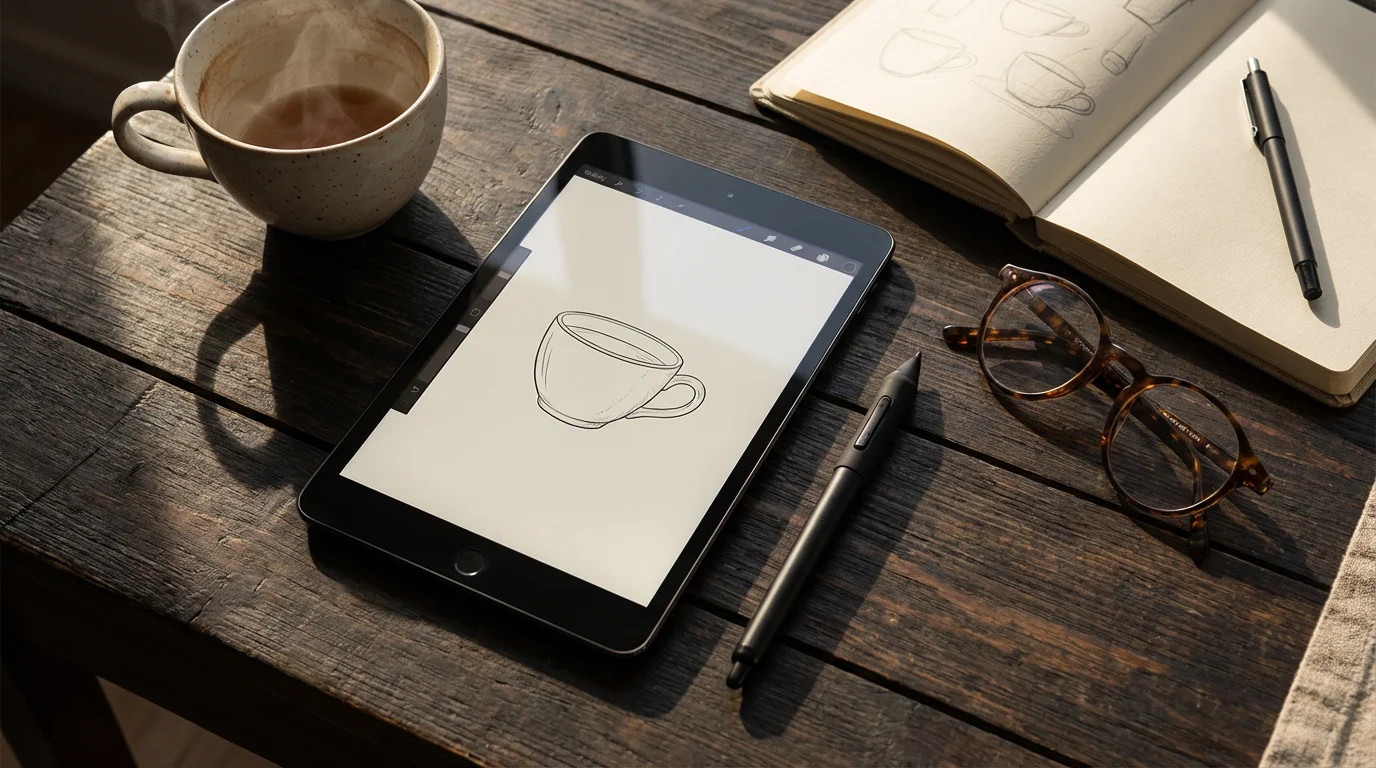
Embarking on a new passion should not necessitate a massive financial outlay. You can absolutely dive into digital art without emptying your retirement fund. The key lies in making smart, informed choices about your tools and resources.
Once you have built a digital portfolio, you could even consider starting an Etsy shop to share your unique masterpieces with the world.
Here’s how to create digital art on a budget, ensuring your artistic journey remains accessible and enjoyable:
- Leverage Existing Devices: Before purchasing new equipment, assess your current computer or tablet. If you already own an iPad or a capable laptop, you might only need a stylus or a software purchase. Many devices you already possess are more powerful than you imagine.
- Embrace Free Software: The open-source community provides incredibly powerful and free options.
- Krita: As mentioned, Krita stands as a professional-grade painting program available for free on Windows, macOS, and Linux. It offers layers, a vast brush engine, and robust tools for illustration and concept art.
- Autodesk Sketchbook: This excellent drawing and painting application is free for all platforms. Its intuitive interface makes it ideal for beginners.
- GIMP (GNU Image Manipulation Program): While not specifically a drawing program, GIMP serves as a powerful free alternative to Photoshop for image editing and basic digital painting.
- Consider Affordable Graphics Tablets: If you decide to invest in a dedicated graphics tablet, focus on entry-level models. Brands like One by Wacom, Huion, and XP-Pen offer excellent small to medium-sized tablets for under $100. These provide precise control and a natural drawing experience without a hefty price tag.
- Explore Free Online Resources: The internet teems with free tutorials and learning materials.
- YouTube: Countless artists share free lessons, walkthroughs, and tips for various software and techniques. Search for “Krita for beginners” or “Procreate basic tutorial.”
- Software Documentation: Most free and paid software comes with extensive help guides and community forums that offer free learning support.
- Attend Free Webinars or Local Workshops: Keep an eye out for free introductory sessions, often hosted by libraries, community centers, or art supply stores. These can provide a great initial spark without any cost.
Your passion and willingness to learn are far more important than the cost of your tools. Start small, experiment widely, and upgrade only when your skills demand it. You will find that budget-friendly options can take you incredibly far in your digital art adventures.
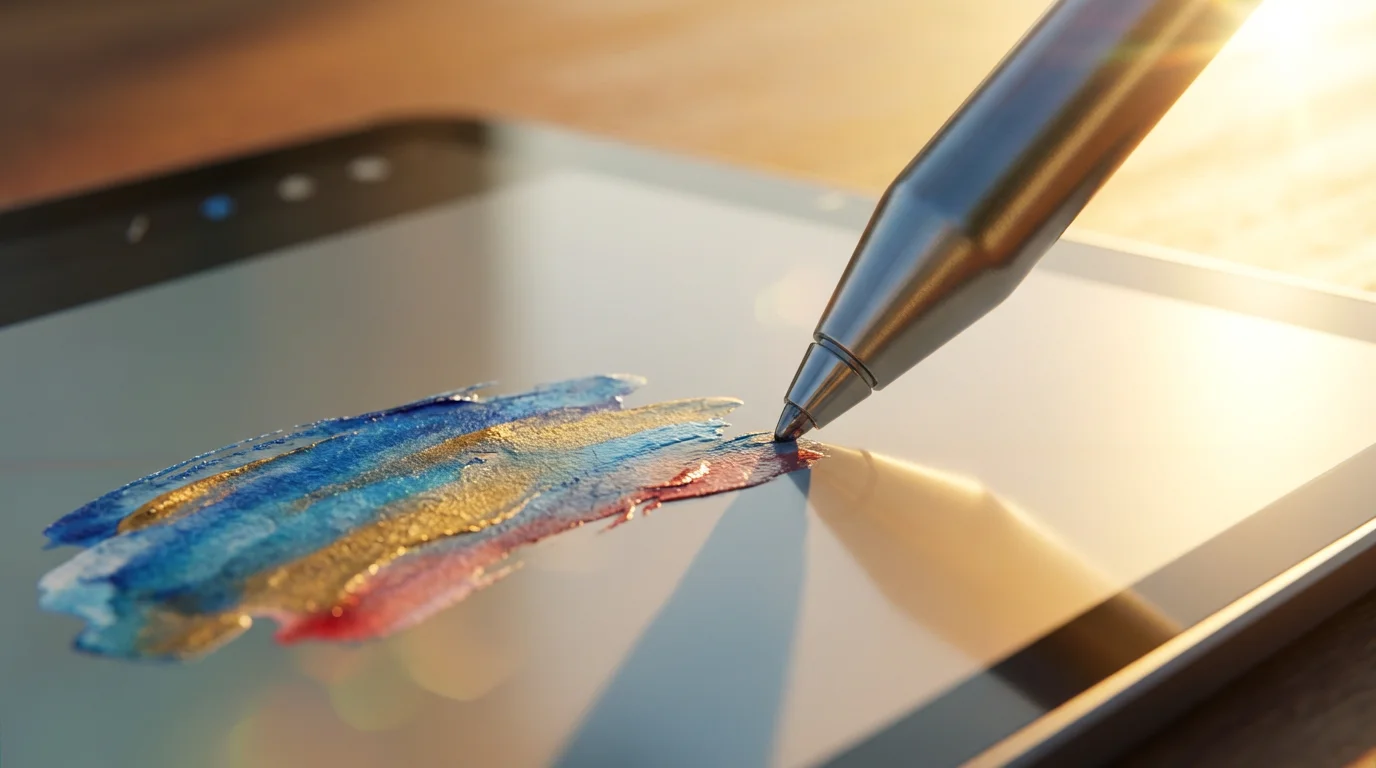
Your First Strokes: A Step-by-Step Journey into Digital Art
Taking that first step can feel daunting, but approaching digital art with a clear, simple plan will build your confidence. You do not need to create a masterpiece on day one. Focus on familiarization and enjoyment.
Just as you experiment with colors on a screen, you can bring that same artistry to the kitchen by mastering new culinary skills.
Here is a step-by-step guide to help you begin your digital art adventure:
- Choose Your Canvas and Tools:
- Select your preferred hardware: a graphics tablet connected to your computer, an iPad with an Apple Pencil, or an Android tablet with a stylus.
- Install your chosen software, such as Krita, Autodesk Sketchbook, or Procreate. Remember, for digital art programs that are easy to learn, simplicity is key initially.
- Familiarize Yourself with the Interface:
- Open your art program. Spend time clicking around, identifying the main tools: brush selector, color picker, eraser, undo button, and layers panel.
- Do not worry about understanding everything at once. Focus on the basics.
- Start with Simple Exercises:
- Open a new blank canvas.
- Doodle Freely: Simply draw lines, circles, and squiggles. Get a feel for your stylus and its responsiveness.
- Practice Basic Shapes: Try drawing squares, triangles, and circles. This helps improve your hand-eye coordination.
- Fill Shapes with Color: Use the fill tool or a brush to color in your shapes. Experiment with different colors.
- Explore Brushes and Colors:
- Most programs offer a variety of brushes that mimic pencils, pens, paints, and pastels. Select different brushes and see how they look and feel.
- Play with the color palette. Learn how to select specific colors and experiment with mixing them (digitally, of course!).
- Utilize Layers (Your Secret Weapon):
- Layers allow you to separate different elements of your artwork, like a sketch on one layer, colors on another, and details on a third.
- This feature is incredibly powerful for experimentation and correction. Try sketching on one layer, then adding a new layer above it to ink or color. You can turn layers on and off to see your progress.
- Embrace Experimentation and Mistakes:
- Digital art is incredibly forgiving. If you make a line you dislike, simply hit the “undo” button.
- Do not be afraid to try new brushes, techniques, or color combinations. This is how you discover what you enjoy and what works for you.
Your first few sessions are about getting comfortable with the medium. Celebrate every small achievement, every new line you draw, and every color you blend. Remember, consistency is more important than perfection at this stage. Keep creating, and your skills will naturally blossom.

Exploring Styles and Techniques: Beyond the Basics
Once you are comfortable with the fundamentals, the world of digital art opens up even further. You have an incredible range of styles and techniques to explore, allowing you to discover your true artistic voice. This phase is about continuous learning and joyful discovery.
If you find you have an eye for detail and design, you might also be interested in jewelry making in retirement to create beautiful, wearable art.
Consider these avenues for expanding your digital art skills:
- Digital Painting: Mimic traditional oil, acrylic, or watercolor painting using digital brushes. Explore blending techniques, texture application, and color theory directly on your screen.
- Digital Drawing and Inking: Perfect for cartooning, comics, or precise line art. Focus on clean lines, varied line weights, and dynamic compositions.
- Vector Art: Instead of pixels, vector graphics use mathematical equations to create scalable, crisp images. This style is excellent for logos, illustrations that need to resize, and clean, graphic designs. Programs like Adobe Illustrator (more complex) or Affinity Designer (more budget-friendly) specialize in vector art.
- Photo Manipulation and Collage: Transform existing photographs into new artistic expressions. Combine elements, add painted details, or apply filters to create unique digital collages and mixed-media pieces.
- Abstract Art: Liberate yourself from representational forms. Experiment with colors, shapes, and textures to create expressive and non-objective digital pieces. This is a fantastic way to explore pure creativity without rigid expectations.
To deepen your skills and explore new techniques, actively seek out learning resources. Websites like AARP and platforms like YouTube offer a wealth of information, from beginner guides to advanced tutorials. You can learn about specific software features, composition principles, or color palettes. Many artists offer free mini-courses or challenge prompts that inspire daily practice.
Engage with online art communities. Platforms like DeviantArt, ArtStation, or even specific Facebook groups dedicated to digital art can provide a supportive environment. Observe what other artists create, ask questions, and share your own work for constructive feedback. Your journey is uniquely yours, but it benefits immensely from connection and shared passion.
Sharing Your Masterpieces: Connect and Grow
The act of creation is deeply personal, but sharing your art can amplify its joy and inspire new connections. You have spent time, effort, and passion bringing your visions to life on the screen. Now, consider letting others experience the beauty you have created.
Sharing your digital art does not mean you must become a professional artist or seek validation. It serves several powerful purposes:
- Receive Encouragement and Feedback: A supportive community offers constructive criticism that helps you grow and encouragement that fuels your passion.
- Inspire Others: Your journey into digital art in retirement can motivate friends, family, and even strangers to explore their own creative potential. Your example demonstrates that age truly holds no barrier to learning new skills.
- Connect with Fellow Artists: Sharing opens doors to conversations, collaborations, and friendships with others who share your artistic interests.
- Document Your Progress: Maintaining an online gallery or portfolio allows you to track your artistic development over time, seeing how far you have come.
Consider these avenues for sharing your digital creations:
- Online Art Communities: Websites like DeviantArt, ArtStation, or even Instagram provide platforms specifically for artists to showcase their work and interact.
- Social Media: Share your creations with friends and family on platforms like Facebook or Pinterest. Create a dedicated album for your digital art.
- Local Art Groups: Many communities have local art clubs or online forums where members share their work and discuss techniques. Even if the focus is traditional art, they may welcome digital pieces or be curious to learn more.
- Personal Website or Blog: If you enjoy writing, create a simple website or blog to display your art and share your creative journey and insights. This can be a fulfilling project in itself.
Remember, the primary goal of sharing is to enrich your experience and connect with others. Your art is a testament to your spirit of adventure and your boundless capacity for creation. Embrace the opportunity to share your unique vision with the world.
Frequently Asked Questions
Is digital art only for young people?
Absolutely not. Digital art is for anyone with a desire to create, regardless of age. Modern software and hardware are designed to be user-friendly, and the benefits of creative expression, such as cognitive stimulation and emotional well-being, are universal.
Do I need to be good at traditional art first?
No, prior experience in traditional art is helpful but not essential. Many people begin their artistic journey directly with digital tools. The principles of art, like composition, color, and form, translate across mediums, but you can learn them just as effectively digitally.
Can I really make money from digital art in retirement?
While many pursue digital art for pleasure, it is certainly possible to monetize your skills in retirement. You could create custom portraits, sell prints online, design graphics, or even teach. However, focus on the joy of creation first; financial success often follows passion and skill.
What’s the best tablet for digital art?
The “best” tablet depends on your budget and specific needs. For iPad art, any recent iPad with Apple Pencil support works wonderfully. For those on a budget, an Android tablet with a stylus or a dedicated graphics tablet like a Wacom Intuos or Huion offers excellent value and performance for your computer.
How long does it take to get good at digital art?
Learning any new skill takes time and consistent practice. You will see progress quickly if you commit to regular drawing sessions. Focus on enjoying the process and celebrating small improvements, rather than striving for instant mastery. Your unique style will emerge with patience and persistence.
Disclaimer: This article is for informational and inspirational purposes. Life decisions are deeply personal, and we encourage readers to pursue their dreams while considering their unique circumstances, health, and financial situation.





Leave a Reply